
Prepare for arrivals instead of chasing details
The invitation records the visit ahead of arrival. Reception finds who is expected and the visit context, without starting from a scattered message.
Gately Business · Headquarters & offices
Your guests should not have to explain their visit all over again at the desk. Employees prepare the invitation; reception finds the announced visit and records the arrival according to your procedures.

What changes
The invitation records the visit ahead of arrival. Reception finds who is expected and the visit context, without starting from a scattered message.
Authorised staff can search recorded activity for a visit, without piecing together details from several logbooks or messages.
Visitors present their own pass. Staff consult information in their workspace according to their permissions, instead of passing around an open register at the desk.
History reflects recorded events. It does not, on its own, prove physical presence.
From preparation to reception
The employee enters the visit details and shares the invitation from the web.
The visitor receives a link or QR pass to present on arrival.
Reception checks the invitation at its workstation. Admission follows your company’s procedures.
Authorised staff can review recorded events within their permissions.
Reception kiosk · Visitors without an invitation
Visitors enter their details on their phone using the kiosk’s QR, or on the tablet. Reception receives the information and handles the request with the employee being visited, following your procedures.
The visitor introduces themselves. Your team stays in charge of admission.
See this journey in a demo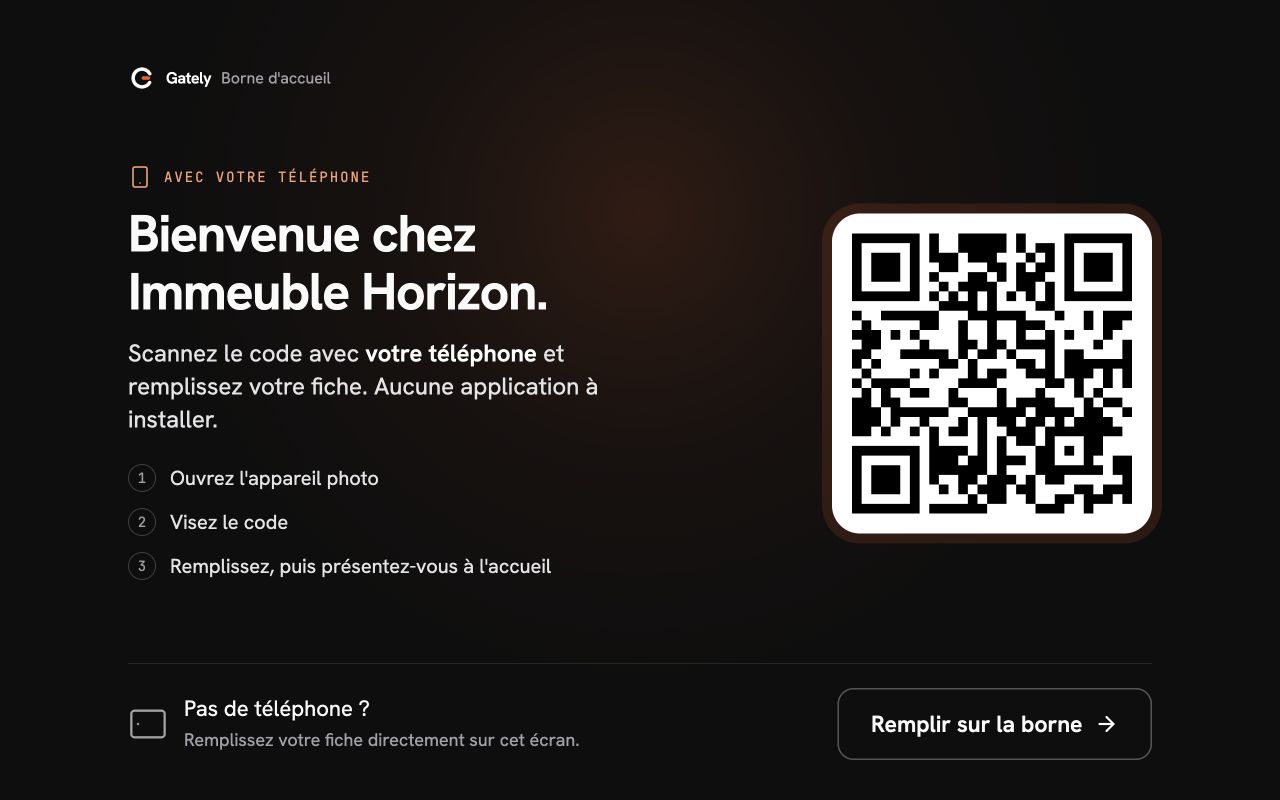
They scan the displayed QR and enter their visit details. Direct entry on the kiosk remains available without a phone.
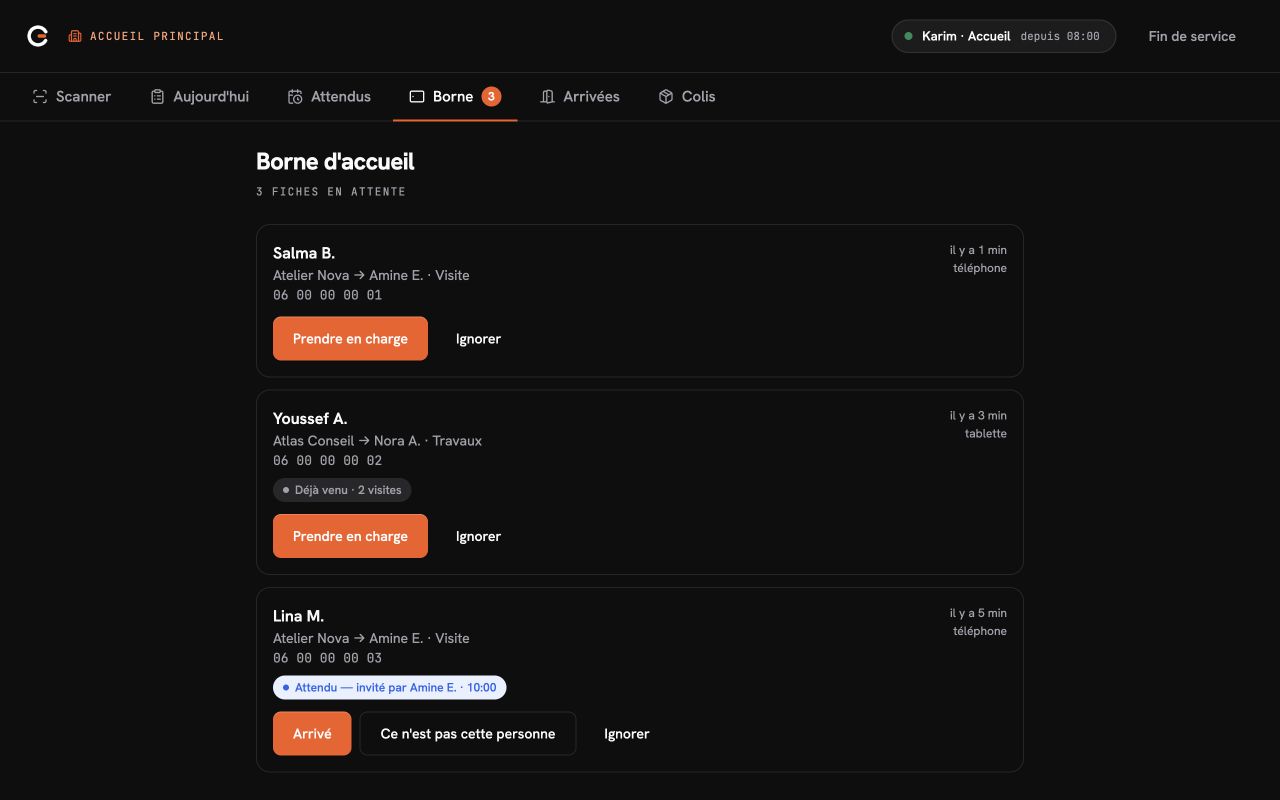
Your team sees the company and host, identifies expected visitors and handles unannounced arrivals.
Gately interfaces captured with demonstration data · in French.
They choose the company, identify their host if known, and enter their contact details and purpose.
The form arrives at the reception desk. Your team reviews it before contacting the host.
Reception follows the response, or lack of response, and applies the site’s procedures.
Reception records admission or refusal. Completing the form does not authorize entry.
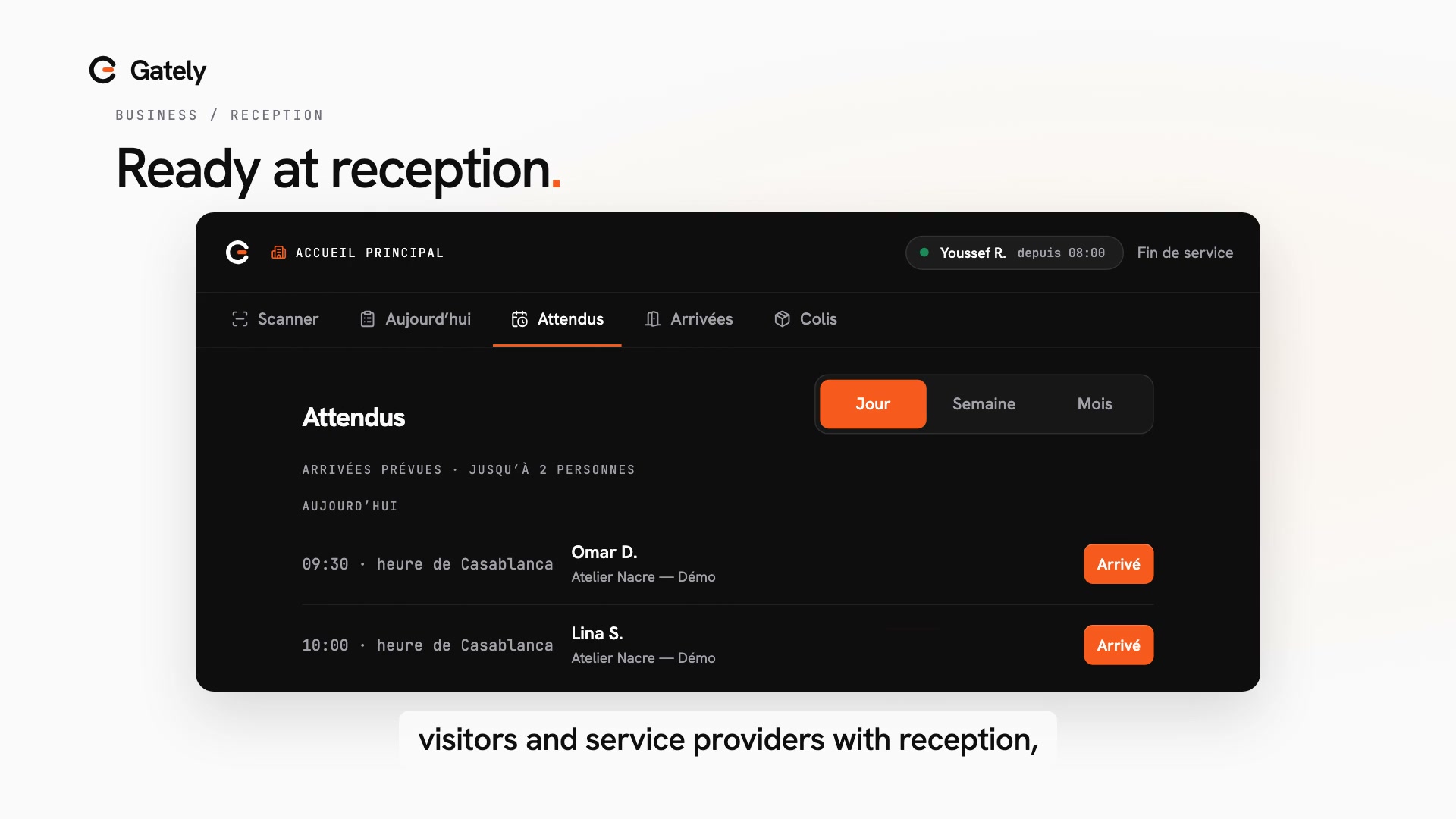
Reception finds prepared visits and records arrivals according to your procedures.
Doors and barriers remain managed by your site’s systems.
At your company
Visitors can enter their details on their phone using the QR displayed at reception, without an account or app, or directly on the kiosk in full mode. Reception reviews the form and takes over the request before the host is contacted. The team then records the decision following the site’s procedures.
No. The kiosk helps visitors complete their form on a tablet or on their phone using a QR displayed on screen. An internet connection and a reception team are still required. Neither the form nor the host’s response opens a door.
Gately Business works on the web, including with a reception computer and connected QR reader. An internet connection is required.
A one-off or recurring contractor visit can have an invitation. This covers the visit without replacing credential, permit or training management.
Gately helps the team check and record the visit. It does not operate doors, barriers or turnstiles.
Employees invite the people they expect. Gately Business does not measure employee attendance or working time.
One reception, several buildings or multiple sites: we start with your current organisation. Large multi-building headquarters and site portfolios receive a tailored quote.
View Business commercial termsTell us about your reception and how employees announce their visits. We can then demonstrate the relevant journey.
Do you manage shared reception for several companies? Explore office buildings.